
AI kiosk vs QR chatbot vs extra hostesses
3 ways to answer the questions visitors ask at a museum, venue or fair, compared side by side with numbers from our own kiosks.
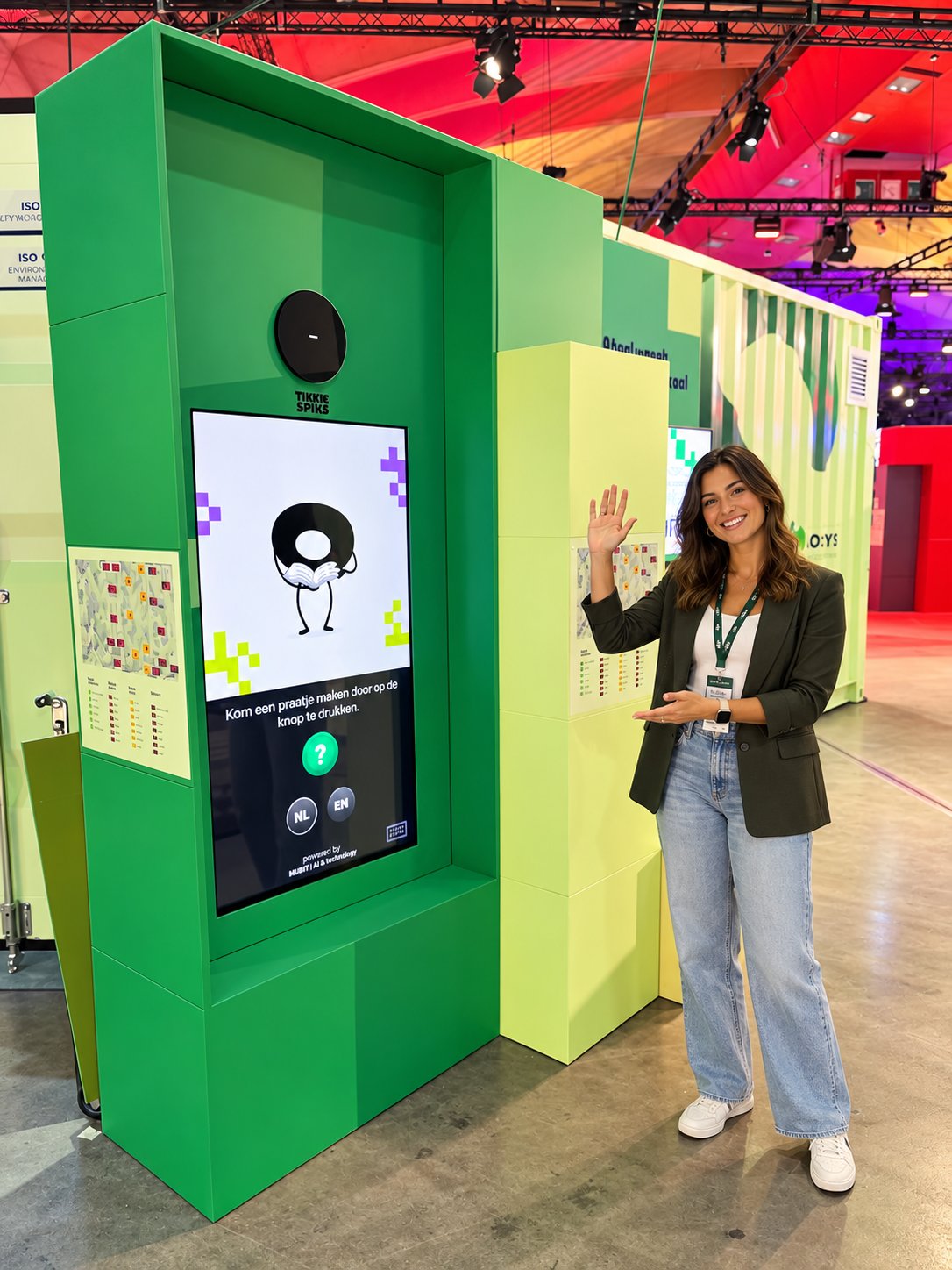
A talking kiosk on an expo floor: press the button and ask your question out loud.
The 3 options side by side
| Compared on | AI kiosk | QR chatbot | Extra hostesses |
|---|---|---|---|
| Cost | In between: hardware, setup and a yearly license | BestThe cheapest: a printed code and a chat page | The most expensive: paid per hour, every day you need them |
| Time to set up | About 3 months for a new character | BestA few days | As long as hiring and briefing takes |
| Who uses it | BestAnyone who walks past | Visitors who notice the code and want to type | Visitors who dare to walk up and ask |
| Kids and older visitors | BestPress a button and talk | Needs a smartphone, mobile data and typing | BestGood, if they speak the visitor’s language |
| Draws attention | BestA talking character on the floor | A code on a sign | A person in uniform |
| Languages | BestAnswers in the visitor’s language | BestAnswers in the visitor’s language | The languages your staff speak |
| Rush hour | Answers nonstop, with a short queue at peak times | BestNo queue: every visitor uses their own phone | One visitor at a time per person |
| Before and after the visit | Only on site | BestAnywhere, also at home | Only on site, during their shifts |
| A lost child, a complaint, first aid | Sends the visitor to your staff | Sends the visitor to your staff | BestHandles it in person |
| What you learn | BestA report of every question asked | BestA report of every typed question | What staff remember at the end of the day |
Green marks the strongest option on each row. Every option wins at least one.
All 3 answer questions. They differ in cost, in who actually uses them and in how they cope on a busy day.
An AI kiosk is a screen with a big button and a microphone, like heyWowza at Technopolis. Visitors press the button, ask their question out loud, and the character on the screen answers out loud. A QR chatbot is a code on a sign or a flyer. Visitors scan it with their phone and type their question into a chat in the browser. Extra hostesses are more people at the info desk or on the floor.
A QR chatbot is the cheapest option
1. Spot the code
On a sign, a flyer or a table, somewhere in a busy hall.
2. Take out a phone
With some battery left and mobile data or the Wi-Fi password.
3. Scan and wait
The camera finds the code and the chat page loads.
4. Type the question
With 2 thumbs, while the rest of the group walks on.
What a visitor does before a QR chatbot can answer. At a kiosk it is 1 step: press the button and ask.
If the budget decides, the QR code wins: a print and a chat page, running on the visitor’s own phone.
There is no hardware on the floor, nothing to maintain and nothing that takes up space. Visitors can also use it before they arrive and after they leave. The catch is in the 4 steps above. At every step some visitors give up, and the ones who make it to step 4 are mostly adults who were planning to look something up anyway.
Most visitors never scan
Asked at a kiosk: 99%Asked through the QR code: 1%
All questions asked at the Flanders Technology & Innovation festival in October 2026. Every square is 1%.
Visitors had both options, and they chose the kiosk almost every time.
The Flanders Technology & Innovation festival, FTI for short, is a month-long festival about technology and innovation, organized by the Flemish government. Its central expo in Mechelen is a big hall full of stands from research centers, universities and companies, and on weekdays it fills up with school groups. Together with Technopolis, the science center in Mechelen, we built WOWza for that expo: a talking AI guide on 16 kiosks. The same guide was also available as a web chat through a QR code, with the same information and the same answers.
Visitors would rather talk than type
- The QR codeScan it and the same assistant opens on your phone.
- The keyboardTap it to type instead of talk. 150 visitors did.
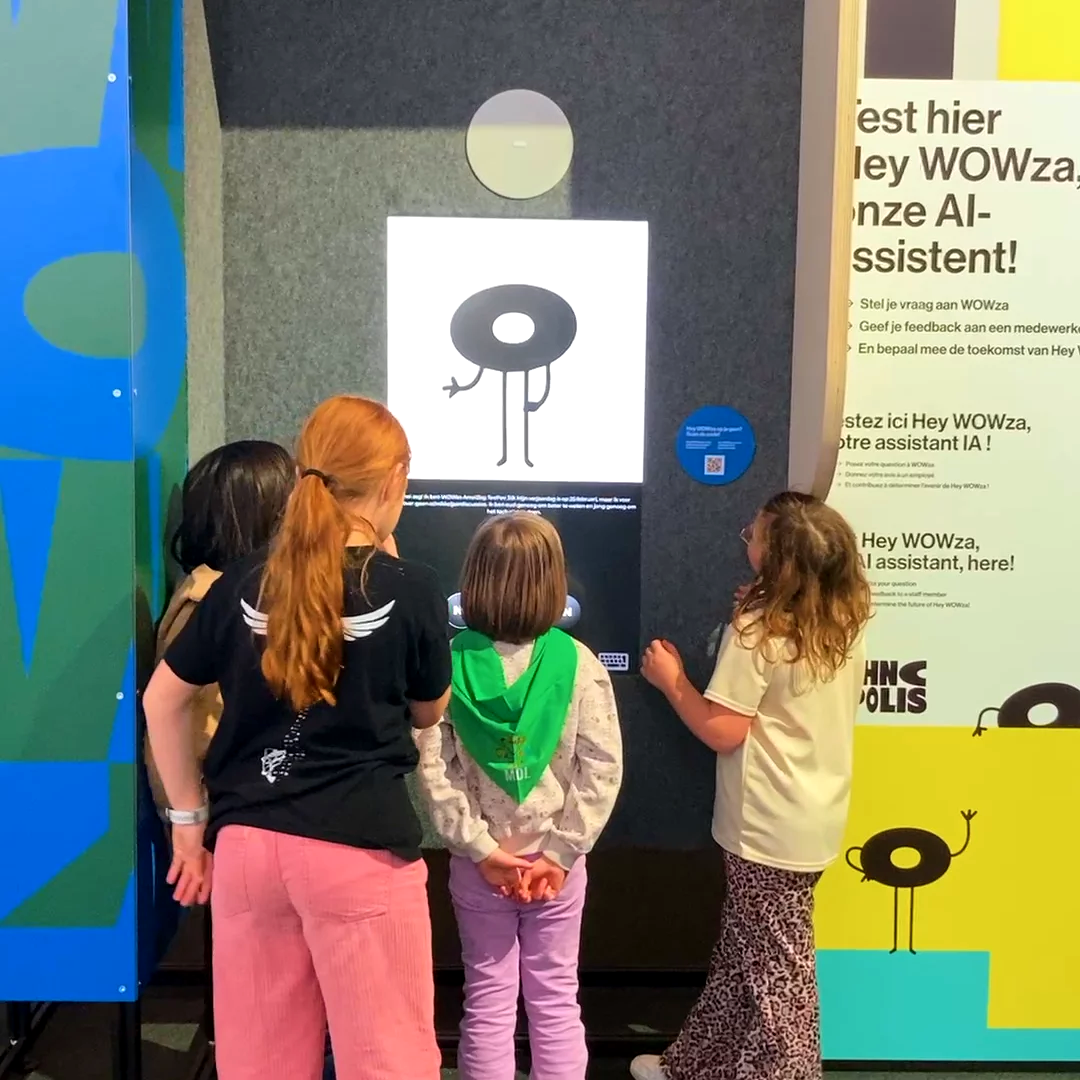
- The buttonPress it and ask out loud. 4,862 visitors did.
- The visitors4 kids. Not one of them is holding a phone.
heyWowza, the talking kiosk at the entrance of Technopolis, offers a button, a keyboard and a QR code. 97% of visitors pressed the button and talked.
Talking is the easiest way to ask a question, and for some visitors it is the only one.
Kids often have no phone, and the younger ones cannot type a full question yet. They can talk, though. At the FTI festival a group of kids found out WOWza speaks other languages and stayed 21 minutes, using it as a translator (“How do you say lion in Chinese?”). Older visitors are often less at ease scanning a code and typing on a small screen. A button and a microphone work for both.
A talking kiosk draws attention
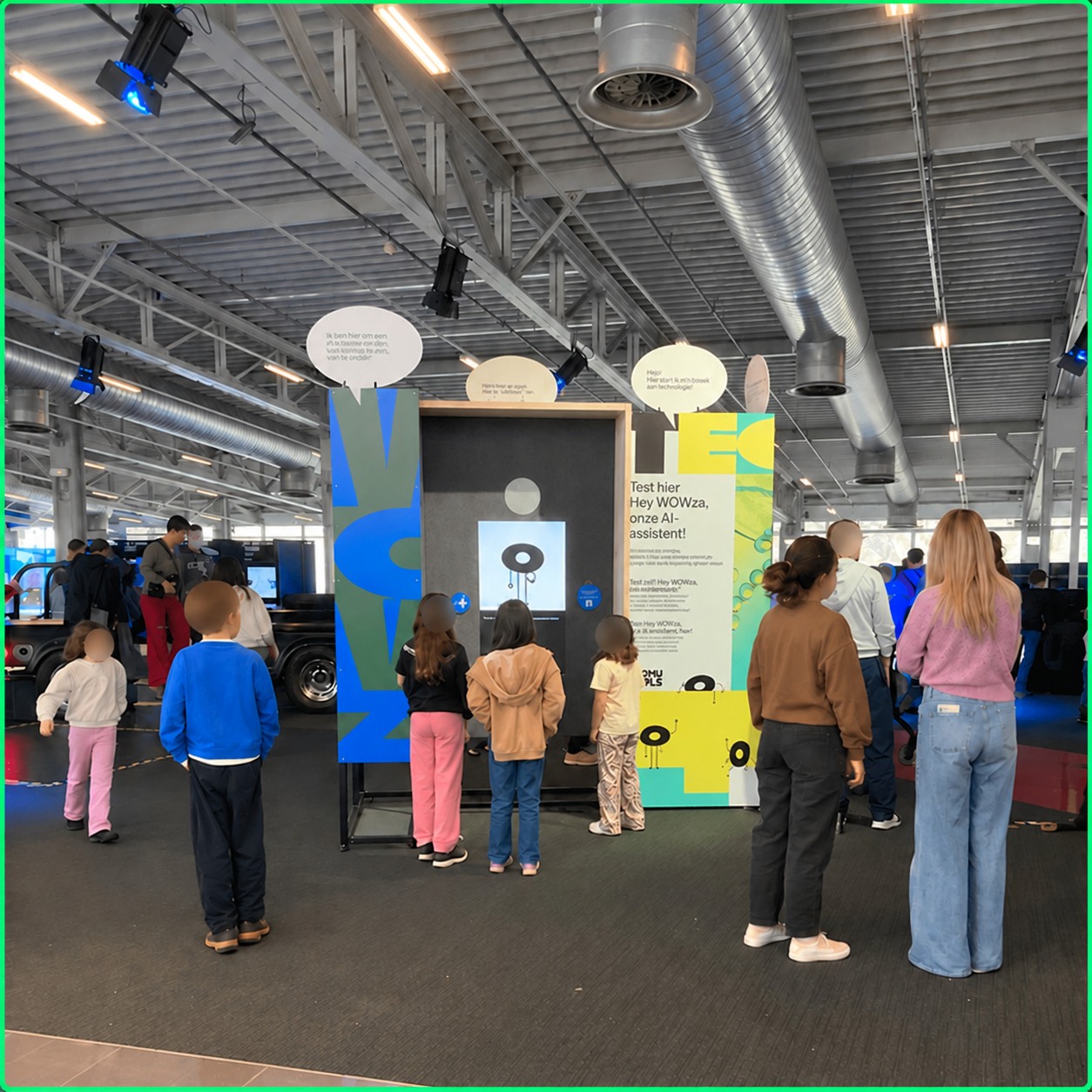
Kids waiting their turn to talk to heyWowza at Technopolis.
A QR code waits for visitors to find it. A kiosk that talks makes visitors come to it.
People stop when a character answers them, and the people behind them stop to watch. At the FTI festival the school groups queued at the kiosks at lunchtime: 1,109 questions in 1 hour. For a fair this counts twice, because the kiosk also sends visitors on. On its busiest day WOWza pointed visitors to an exhibitor’s stand 2,095 times.
Kiosk, web chat and staff together
One set of information, 3 ways for visitors to get an answer.
The best setup uses all 3. We offer the web chat as well, next to the kiosk.
The web chat runs on the same information as the kiosk, so a visitor gets the same answer on their phone as on the floor. Put the QR code next to the kiosk, on the tickets or on your website, for the visitors who like to look things up at home. The kiosk takes the questions that come back all day. At the FTI festival the most asked question was “What time is it?”, about 190 times in one day, from school groups counting down to their bus. That leaves your staff free for the questions that need a human.
What venues ask us about this choice
Is a QR chatbot cheaper than an AI kiosk?
Yes. A QR chatbot runs on the visitor’s phone, so you only pay for the chat itself. A kiosk adds hardware and installation. The difference is in how many visitors actually use it.
Does an AI kiosk replace hostesses?
It takes the questions that repeat: the toilets, the program, the way to the next stand. Your staff keep everything that needs a human touch, and they get time for it.
Does a kiosk work in a noisy hall?
Yes. WOWza worked through 3 days of festival halls full of school groups. The microphone listens to the person in front of the kiosk, not to the crowd behind them. And when teenagers try to make it say silly things, it stays polite: here is how a public AI kiosk handles that.
Which option fits your venue?
With a small budget and visitors who look things up on their phone, start with a QR code. If you want every visitor to get an answer, kids included, put a talking kiosk on the floor and add the web chat for everyone else. Going for a kiosk? These are the questions to ask before you choose one. Not sure yet? Tell us about your museum, venue or fair and we will tell you which one we would pick.